
API Dependency Map
What It Does
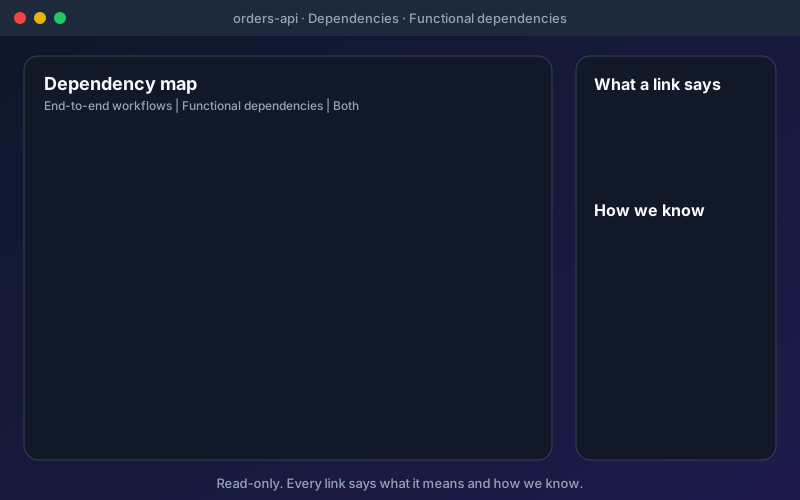
A dependency map answers the question every change starts with: what else will this touch? The Dependencies tab of an API page draws the APIs that run before and after it, the ones that use its values and the ones it calls. Links come from several kinds of evidence, and the strongest one wins when a link is known in more than one way: set in a workflow, then seen happening, then stated by a person, then suggested by AI and accepted, then guessed from the paths. Links seen happening come from HAR files, live captures, gateway routes and traces, which are Discovery sources, so they appear when you have connected those. An environment filter stops a link observed in one environment from looking like it applies to all of them. Blast radius follows values and calls, not run order, so you see what a change could reach. For MCP tools, the protocol does not say which APIs a tool calls, so a person records it and the map labels the link as a person's statement that nothing has checked. The project-wide Dependencies view sits in Discovery and needs the add-on. Mock the dependencies can read the map and draft mocks of the APIs an API calls or needs first; they are created switched off and answer nothing until a person publishes them. The map is read-only.
Overview
Before you change an API, find out who relies on it. The dependency map shows which APIs run before and after an API, which use its values and which it calls. Each link says two separate things: what it means (Runs after, Uses a value from, Calls, Looks like one resource) and how we know (Set in a workflow, Seen happening, A person said so, Suggested by AI and confirmed by a person, or Guessed from the paths). A guess is never drawn as observed, and guesses stay hidden until you choose to show them. Three lenses switch between End-to-end workflows, Functional dependencies and Both, and the map opens full screen. The Dependencies tab on every API page is in all plans.
Key Capabilities
How It Works
- 1
Open an API and choose its Dependencies tab
- 2
Pick a lens: End-to-end workflows, Functional dependencies or Both
- 3
Hover a link to read the sentence and every way it is known; click to pin it
- 4
Tick "Show the guesses from the paths" if you want the weakest evidence too
- 5
Open the map full screen, or follow one workflow to see its steps numbered
Available on
All Plans
Included in the free trial — no credit card required.
Documentation
Step-by-step guides for setting up and using API Dependencies.
Go deeper
Guides and playbooks that show this capability in practice.
Related Features
API Quality Evidence
Open one API and see its tests, security findings, mocks, load results, workflows and requirements in one place.
Learn moreAPI Discovery
Find the APIs your organization already runs, see how sure we are that each exists, and bring the ones you choose into a project.
Learn moreMock Server
Mock APIs that answer by name, fail on purpose, remember records and are checked against the contract.
Learn moreTry API Dependencies Today
Start your 15-day free trial — no credit card required.