
One Page for Every API: Quality Evidence
What It Does
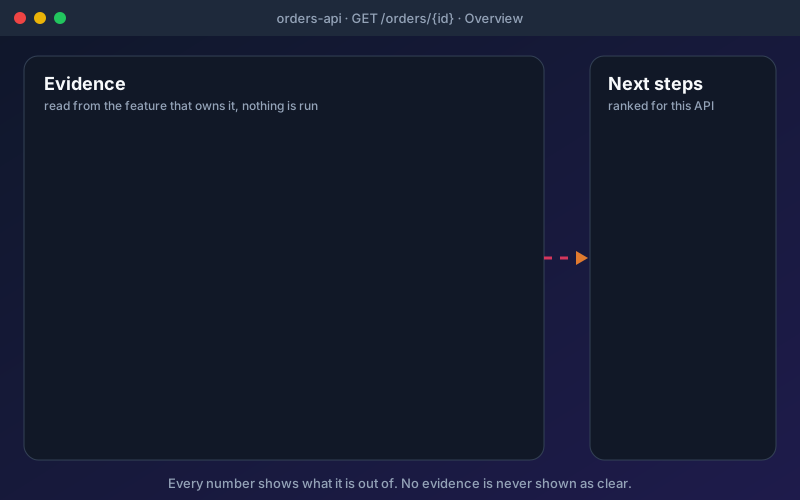
The API page answers "how well is this API covered, and what is wrong with it?" without opening six screens. For one endpoint it joins the functional tests and their latest results, the security checks and open findings, the mocks, the load scenarios and their verdicts, the performance objectives, the workflows that run it and the requirements that trace to it. Each part is read from the feature that owns it, and the page is computed when you open it, so it always reflects the source. The Overview tab shows the status in plain words and ranks recommendations, each of which opens the right screen already pointed at the API or shows an offer for you to confirm. In the project Overview, filters, search and grouping help you find APIs with no tests, failing tests, no mock or open findings, and a bulk bar acts on the APIs you tick, up to 25 at a time. With a release verdict, the list is drawn API by API with the verdict; on the free edition it is a plain table. Reports download per API as PDF or CSV, need the export permission in that project, and are recorded in the audit log. Lists stop at 200 rows and say how many were left out. The Security tab needs the API Security add-on, Performance needs the Performance add-on, Analytics and Governance need Professional or above, and Discovery needs the API Discovery add-on.
Overview
Evidence about one API usually sits in five tools. The API page joins it: the functional tests and their latest results, security checks and open findings, mocks, load scenarios and their verdicts, performance objectives, the workflows that run the API and the requirements that trace to it. Every number shows what it is out of, such as 3 of 5 tests passed, never a bare percentage. No evidence is never shown as clear, the worst result wins, and results older than 180 days read as not run. Looking at the page runs nothing and changes nothing. It is in every plan, Free included. Some tabs depend on your plan, and a section you may not read is marked as left out, not shown as zero.
Key Capabilities
How It Works
- 1
Open Overview in the header to see the APIs of a project, with filters, search and grouping
- 2
Open an API to read its status, its ranked recommendations and the tab for each kind of evidence
- 3
Tick up to 25 APIs and choose a bulk action; the assistant shows an offer and nothing runs until you confirm
- 4
Download the API's report as PDF or CSV when you need to share it
- 5
Use Compare all your projects to see counts per project side by side
Available on
All Plans
Included in the free trial — no credit card required.
Documentation
Step-by-step guides for setting up and using API Quality Evidence.
Built for regulated teams
Teams in regulated industries rely on this capability to ship API changes with an audit trail.
Go deeper
Guides and playbooks that show this capability in practice.
Related Features
Release Verdict
One evidence-backed answer to "is this API ready to release?"
Learn moreAPI Dependencies
See which APIs run before and after an API, which use its values, and how we know.
Learn moreAPI Discovery
Find the APIs your organization already runs, see how sure we are that each exists, and bring the ones you choose into a project.
Learn moreTry API Quality Evidence Today
Start your 15-day free trial — no credit card required.