
Quality Agent: A Scheduled Review of Your Project
What It Does
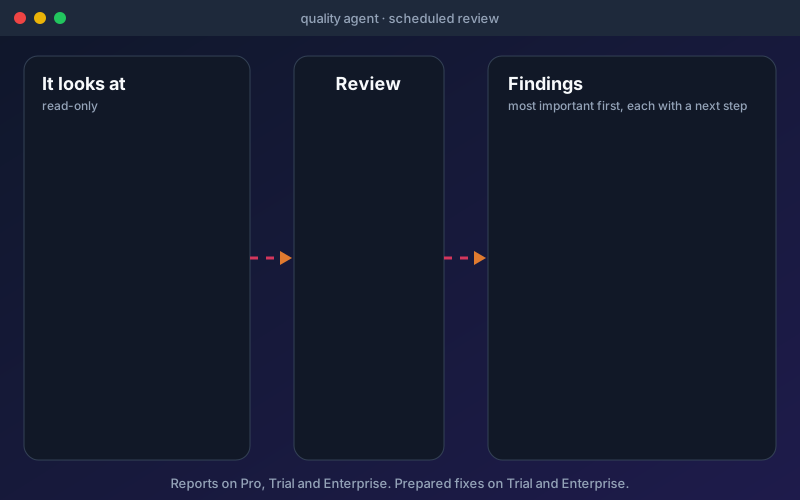
Most quality problems are found late because nobody has time to look. The Quality Agent does the looking. On the schedule you set, or when you press Run now, it reads the project's API records, the latest analysed run, flaky tests (tests that keep flipping between pass and fail), stale tests and fixes that are already waiting. It turns what it finds into a short list, most important first, and each finding comes with a next step. A suspected product bug is shown as a high-severity finding with the advice to raise it with the API's owners; it is never turned into a test edit. The agent is honest about gaps. If a project has no tests or no recent analysed run, it says so instead of reporting a clean result. On Trial and Enterprise it also asks the repair engine, which already powers Fix with AI, to prepare fixes for causes that have none yet, with the same safeguards, and leaves them waiting for a person to apply. It stays within your AI allowance and checks it before it asks. On Professional, the agent produces reports only. The agent does not run tests, does not apply fixes and does not delete anything. Its panel sits in project settings under Failing tests, and a review can take a minute when it asks for fixes.
Overview
The Quality Agent reviews a project on a schedule or on request. It looks at your API records, the latest analysed run, flaky tests, stale tests and fixes that are waiting, then returns findings in order, each with a plain sentence and a next step. It does not report a project clean because nothing was looked at: an empty project gets a "no evidence" finding, and an analysed run older than 14 days counts as no run. On Trial and Enterprise it can also prepare fixes for failures that have none yet, for a person to review. It does not run tests, apply fixes or delete anything, and a suspected product bug is reported, never fixed by editing the test. Reports are in Professional, Trial and Enterprise; prepared fixes are in Trial and Enterprise.
Key Capabilities
How It Works
- 1
Open project settings and go to Failing tests, where the Quality Agent panel sits
- 2
Set how often the agent should review the project, or press Run now
- 3
Read the findings, most important first, each with a next step
- 4
On Trial and Enterprise, open any fixes it prepared and apply, edit or discard them
- 5
Raise suspected product bugs with the API's owners; the agent never edits a test to hide one
Available on
professional Plan & Above
Upgrade to the professional plan to unlock this feature.
Documentation
Step-by-step guides for setting up and using Quality Agent.
- Quality Agent: A Review of Your Project, in Order of ImportanceThe Quality Agent reviews a whole project on a schedule or on request, puts what it finds in order, and says what to do about each item. It reports. It never runs, rewrites or deletes your tests.
- Release Verdict: Is This API Ready to Release?One answer per API or project, ready, ready with risks, not ready or no evidence yet, with every reason linked to the evidence behind it.
- Run Triage: Understand Why a Run FailedWhen a run of 200 tests ends with 47 failures, the hard part is not fixing them. It is working out how many different problems those 47 failures actually are.
Go deeper
Guides and playbooks that show this capability in practice.
Try Quality Agent Today
Start your 15-day free trial — no credit card required.