
Requirements From Jira, Azure DevOps and Other Trackers
What It Does
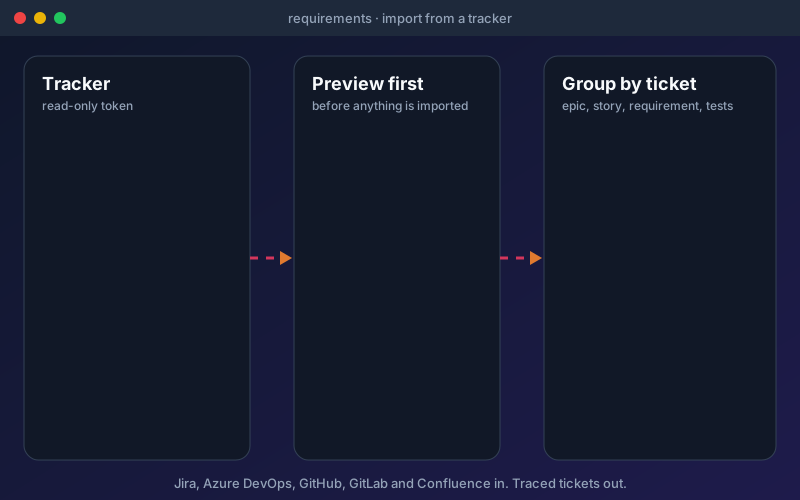
Most teams already write their requirements in a tracker, so asking them to re-type them in a document is a tax. Import by sprint, release, epic, area path, pasted keys or a typed JQL, WIQL or CQL query, and read the preview tree first. It shows what will be imported and what it will roughly cost, because each ticket takes about one AI call on your own AI provider and ticket text goes to the provider you have configured. One ticket becomes one document. A story becomes the story, one requirement for each acceptance criterion, and its field rules; epics and features are headings unless they carry acceptance criteria. GitHub and GitLab issues have no acceptance-criteria field, so criteria come from a heading in the issue body. To keep in step, Check for changes re-reads the tickets without using AI: status, sprint, label and parent changes apply at once, while changed text waits in an inbox, ordered by risk, until a person applies it. Applying makes a new document version: unchanged rules keep their review, changed rules go back to review and their tests are flagged. A source can check on a schedule. Sync works by polling, not in real time. In Traceability, group by ticket to read epic, story, requirement, tests and result with the ticket's own status, and judge a release by Jira fix version or Azure DevOps iteration. For a first import of a large backlog, start with one sprint or epic: extraction runs one document at a time per project and takes a while.
Overview
Requirements often start as tickets. Import them from Jira, Azure DevOps, GitHub issues, GitLab issues and Confluence pages, choosing by sprint, release, epic, area path, pasted keys or a query. A preview shows what will be read and roughly what it will cost before anything is imported. Stories become reviewable requirements, one per acceptance criterion, and Traceability can group by ticket from epic to story to requirement to tests to result. A read-only token is enough: Shift-Left API never changes a ticket's status, assignee or text. Checking for ticket changes costs nothing; only applying changed text uses AI. Available on Professional, Trial and Enterprise; the free edition can still upload a Jira or Azure DevOps CSV export.
Key Capabilities
How It Works
- 1
Open Requirements, choose Requirement Documents, add without a file and pick Import from a tracker
- 2
Select the scope: a sprint, release, epic, area path, pasted keys or a query
- 3
Read the preview tree and the estimated cost, then import
- 4
Review the extracted requirements and generate tests from them as usual
- 5
Run Check for changes, apply changed text when you are ready, and group Traceability by ticket
Available on
professional Plan & Above
Upgrade to the professional plan to unlock this feature.
Documentation
Step-by-step guides for setting up and using Requirements From Trackers.
- Requirements From Trackers: Import Tickets and Trace Them to TestsImport epics, features and user stories from Jira, Azure DevOps, GitHub, GitLab and Confluence, turn them into reviewable requirements, and trace each ticket to its tests and results.
- Requirements Traceability MatrixTrace each requirement to the tests and endpoints that verify it, run impact analysis when requirements change, and export a requirements traceability matrix for audits.
Built for regulated teams
Teams in regulated industries rely on this capability to ship API changes with an audit trail.
Go deeper
Guides and playbooks that show this capability in practice.
Related Features
Requirements
Turn specs and business documents into testable requirements.
Learn moreTraceability (RTM)
Prove coverage from every requirement to the tests that verify it.
Learn moreMulti-Document Requirements
Upload every BRD, policy, spec and workbook together. Rules are counted once, and disagreements wait for a person.
Learn moreTry Requirements From Trackers Today
Start your 15-day free trial — no credit card required.