
Workflows Built From Your Requirements
What It Does
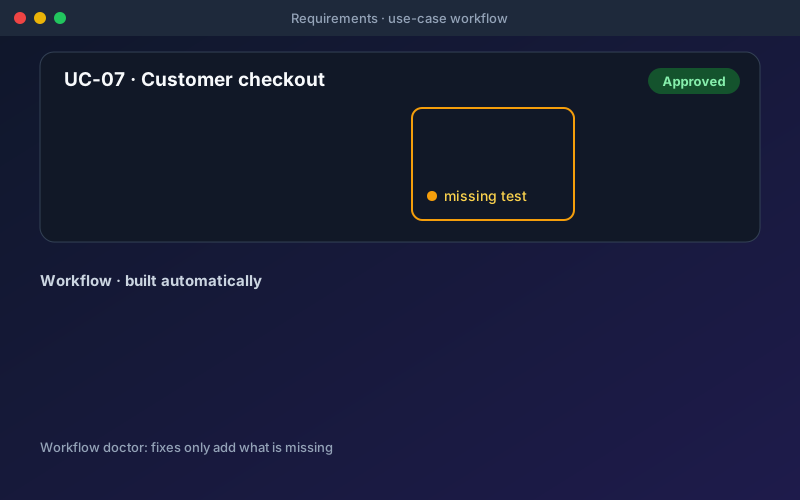
Use-case workflows connect requirements intelligence to end-to-end testing. A requirement that describes a journey (log in, add to cart, pay, confirm) is turned into an executable workflow the moment every step is backed by a test. The workflow then counts toward coverage of that requirement, so a workflow run can verify it. Workflows can span projects, with a separate environment for each project a pack runs against. When a workflow on the canvas is not behaving, the workflow doctor diagnoses it, including unsaved edits, and offers fixes that only add what is missing.
Overview
End-to-end workflows usually get built by hand, long after the requirement was written. Shift-Left API closes that gap. An approved use-case requirement with ordered steps becomes a workflow as soon as each step has a test. When one cannot be built, the product names the missing step and says whether it needs a test or an endpoint, then the Project Assistant can generate the missing tests and build the workflow in one approval, when the missing steps’ endpoints exist in the project. You can also build a workflow from your specification and tests, or from a single sentence, with data passed from one step to the next wherever the schemas show where it comes from.
Key Capabilities
How It Works
- 1
Approve a use-case requirement with ordered steps
- 2
Shift-Left API matches each step to a test and builds the workflow once every step is covered
- 3
If a step is missing, it names the step and whether a test or an endpoint is needed
- 4
Ask the Project Assistant to generate the missing tests and build the workflow in one approval
- 5
Run the workflow to verify the requirement, and use the workflow doctor if something breaks
Available on
All Plans
Included in the free trial — no credit card required.
Documentation
Step-by-step guides for setting up and using Use-Case Workflows.
- Build End-to-End Workflows AutomaticallyAn end-to-end workflow tests a journey — create an order, pay for it, fetch the receipt — rather than one call.
- Workflow Doctor: Diagnose and Fix a WorkflowA workflow is the one test in Shift-Left API that you assemble by hand: blocks on a canvas, green connectors for the order of execution, and data connectors that carry values from one step to the next.
- Requirement Gaps and Use-Case JourneysEvery other requirements screen reports what Shift-Left API found. The Gaps & conflicts tab reports what it could not turn into a test, and why.
Go deeper
Guides and playbooks that show this capability in practice.
Try Use-Case Workflows Today
Start your 15-day free trial — no credit card required.