
File a Failed API Test as a Bug
What It Does
There are two ways to file from test results, and their tickets differ. Filing one failed result sends the full report, so a developer can see what was sent, what came back and which check failed. It always includes the response body. Filing a run-triage cause sends one summary for a group of failures: how many runs failed, up to 10 endpoints, the explanation from failure analysis, its basis, confidence and advice. Response lines are added to a cause ticket only if you tick the box for them, and it carries no severity and no full report. Any cause can be filed; a suspected product bug is titled as a defect and says the API should change, while other causes never claim the API is wrong. Credential masking goes by name. Headers, JSON body fields, XML elements and variables whose names look like credentials are hidden. The full request URL, the text of checks, error messages, form-encoded bodies and secrets stored under ordinary names are not masked by the ticket builder, so read the report before you file it. If Jira or Azure DevOps rejects the severity field, the ticket is filed again without it. Test tickets are one-way: Shift-Left API does not read their status back. A later run of the same test is a new result and can be filed again, so check your tracker for duplicates. An administrator connects trackers under Settings, then Integrations, then Issue Trackers, and filing needs permission to edit tests. Security findings can use the same connection, but filing them needs the API security testing add-on. On shared installations, tracker addresses on private networks are refused.
Overview
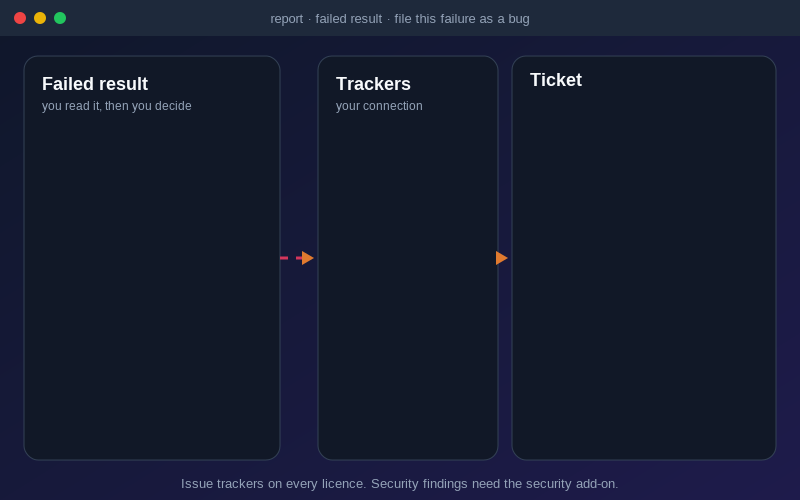
Reporting a bug usually means copying a request, a response and a log into a ticket by hand. In Shift-Left API, a failed result has a "File this failure as a bug" box under its header. Choose a tracker and file it in Jira (Cloud, Server or Data Center), Azure DevOps, GitHub Issues or GitLab Issues. The ticket carries the report: every check up to 100, the request and response with their headers and bodies, the error, diagnostics, extracted variables, the end of the run log and, when a public app address is known, a link back to the run. The severity of the test goes with it. A person presses the button each time, so nothing is filed by itself. Issue tracker connections are available on every licence, including the free Citizen Developer edition.
Key Capabilities
How It Works
- 1
An administrator opens Settings → Integrations → Issue Trackers, adds a tracker and tests the connection
- 2
Open a failed result and find "File this failure as a bug" under its header
- 3
Under "File in", choose a tracker and select "File as a bug"
- 4
Follow the link to the new ticket; the result shows that it has been filed
- 5
For many failures with one cause, open the cause in run triage and file a single ticket for the group
Available on
All Plans
Included in the free trial — no credit card required.
Documentation
Step-by-step guides for setting up and using File Failed Test as Bug.
- File a Failed Test as a Bug in Jira, Azure DevOps, GitHub or GitLabFile a failed test result, or a whole run-triage cause, as a ticket in your tracker without leaving the report. What each ticket carries, what is hidden, and what to check before you file.
- Run Triage: Understand Why a Run FailedWhen a run of 200 tests ends with 47 failures, the hard part is not fixing them. It is working out how many different problems those 47 failures actually are.
Go deeper
Guides and playbooks that show this capability in practice.
Try File Failed Test as Bug Today
Start your 15-day free trial — no credit card required.